




Savaspin App
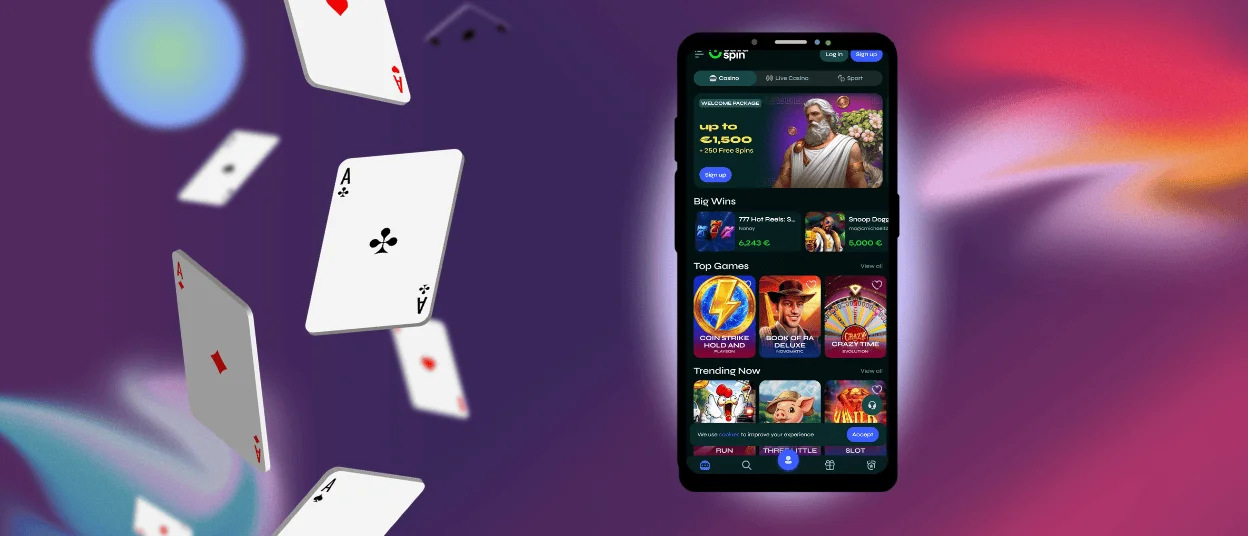
The Savaspin app is available for Android and iOS; it offers the same features as the desktop version, but in a convenient format for your phone. You’ll still find thousands of games and promotions here. The interface adapts to your screen size, so navigation remains smooth. You can access your library of favorite games with a single tap from the home screen.



Benefits of the Sava Spin Mobile App
The Savaspin app is a convenient way to access our online casino and many essential tools, specifically for when you’re away from your computer. It’s a PWA (Progressive Web App), so you can install Savaspin Casino directly from your browser without having to search app stores or deal with lengthy downloads. It takes up almost no space and is always up to date. Plus, the Sava Spin app will send you notifications about everything you wouldn’t want to miss.
But the desktop version has a larger screen area, which is more suitable for long sessions or real-time casino games. The Savaspin app is handy, but the desktop version plunges you into the environment. Both work great and have the same features and sync with your account.
| Feature | Savaspin App | Desktop Version |
| Access | One tap to launch from your home screen | Opens through your web browser |
| Updates | Automatic background updates with no manual installation | Always uses the latest browser version |
| Notifications | Receive instant alerts about bonuses, tournaments, and promotions | Browser notifications depend on your settings |
| Portability | Play anywhere from your smartphone or tablet | Best suited for gaming at a desk |
| Display | Optimized for touch controls and smaller screens | Larger screen with higher resolution for immersive gameplay |
| Casino Features | Full access to games, payments, bonuses, and account management | Includes the same complete set of mobile casino features |
Savaspin Android Mobile App
The Savaspin Casino application for Android works on any device. All you need is a good internet connection; no high-performance hardware is required. It provides full access to bonuses and payments with fast loading times. Since it’s a PWA, it takes up minimal storage space and is always updated automatically.
APK
You don’t need to download any Savaspin APK files to use the app. Since it’s a progressive web app, it installs directly from the Sava Spin website. No third-party sources – just a secure installation right from your browser.
How to Install PWA
The setup takes just a few seconds. To install Savaspin Casino, first, you need to open the website and click on the browser menu. Next, you should select “Add to Home Screen” and confirm. A shortcut will appear on your device’s main screen. Tap it at any time to instantly launch Sava Spin Casino.
Mobile Application for iOS
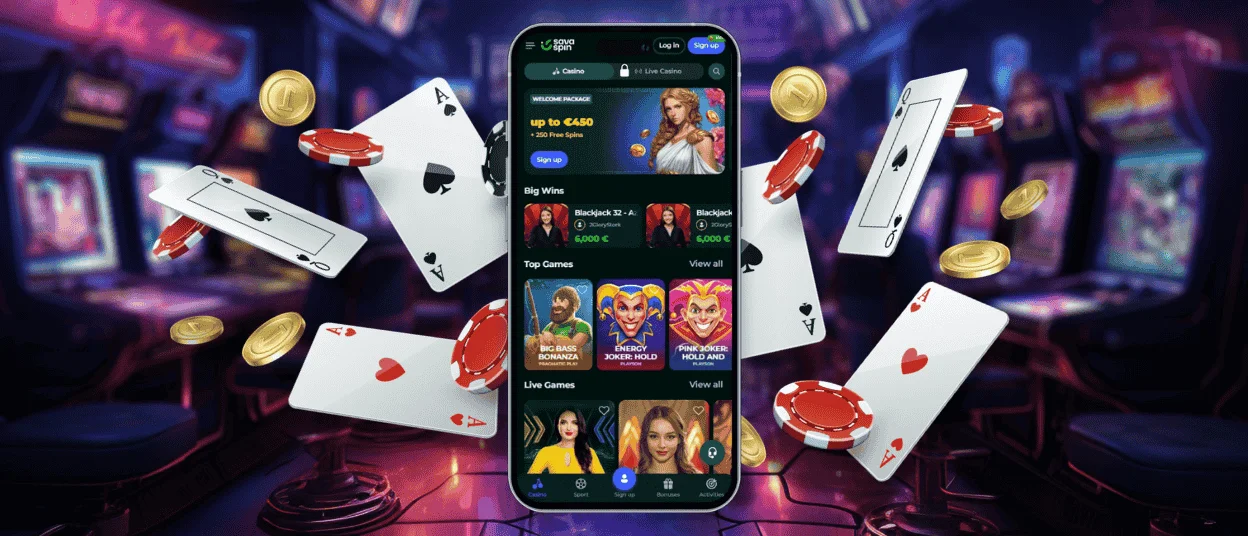
Our iOS mobile app also works as a progressive web app on iPhone and iPad. The Savaspin app runs directly through Safari – no App Store, no downloads required. Once you add it to your home screen, you can activate the welcome package and many other benefits. It’s fast and updates automatically – just open it and play. It’s the same Savaspin Casino, but with a smaller screen, and nothing gets overlooked.
How to Install the Savaspin iOS App
To get the Sava Spin app for iOS, you need to spend only a few seconds:
- To begin, users should open the official Savaspin website in Safari.
- Next, they need to tap the “Share” button at the bottom of the screen.
- After that, users have to select “Add to Home Screen” and tap “Add” to confirm.
After installation, the Savaspin icon will appear on your home screen, allowing you to launch the casino instantly with a single tap whenever you want to play.
Savaspin App for Windows and macOS
Our platform works on PCs via a browser: just open your browser and type in Savaspin. However, for quick access, you can download the app. If you create a shortcut on your desktop, you won’t have to type the name into your browser or search for your favorite games every time.
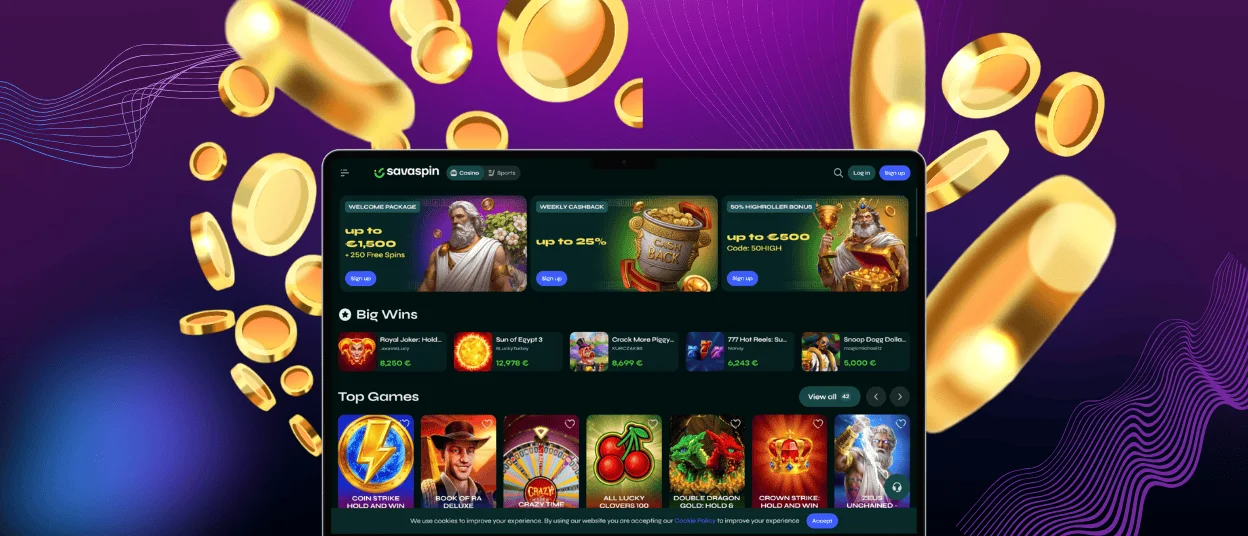
The Savaspin app for desktop brings the full casino experience to computers running Windows and macOS. Instead of downloading large installation files, you can create a desktop shortcut that works as a progressive web app, giving you one-click access to the platform. The app loads quickly and always runs on the latest version without the need for manual updates.
You can quickly open all your favorite games and dive into the game right away. The Savaspin app for PC includes all the features available in the mobile version and on the website. Here, you can manage your account and complete the verification process just as you would on other platforms. The interface is optimized for large screens, making it ideal for live dealer games and high-resolution slots.
FAQ
Is creating an account required to use the Savaspin app?
You can install and open the Sava Spin app without signing up. But if you want to do anything that actually matters, like claim bonuses, withdraw money or join tournaments – you’ll need an account. Registration takes a few minutes and unlocks everything. Without it, you’re just a visitor.
Is my balance synchronized in real time across devices?
Your Savaspin account stays synced across all devices in real time. Users can log in from their phones and open it on the desktop, for example, and the balance and settings are always up to date. You should just log in and pick up exactly where you left off. If you face any issues, you can contact our support team via live chat or email.
Are all games available in the app?
The Savaspin app gives you access to the full game library: online slots, table games, live dealer, crash games. You also get the same promotions and can join tournaments with the same account tools. It’s the identical gaming experience as the website, just in a format that fits your phone.


